
Sheet music
How to Share Sheet Music by Part With Your Ensemble
Stop resending PDFs the night before the concert. A practical way to give every player and singer only their own part, with recordings, and keep the library tidy.
WePlayIn.Band team
The people who build WePlayIn.Band · · 3 min read
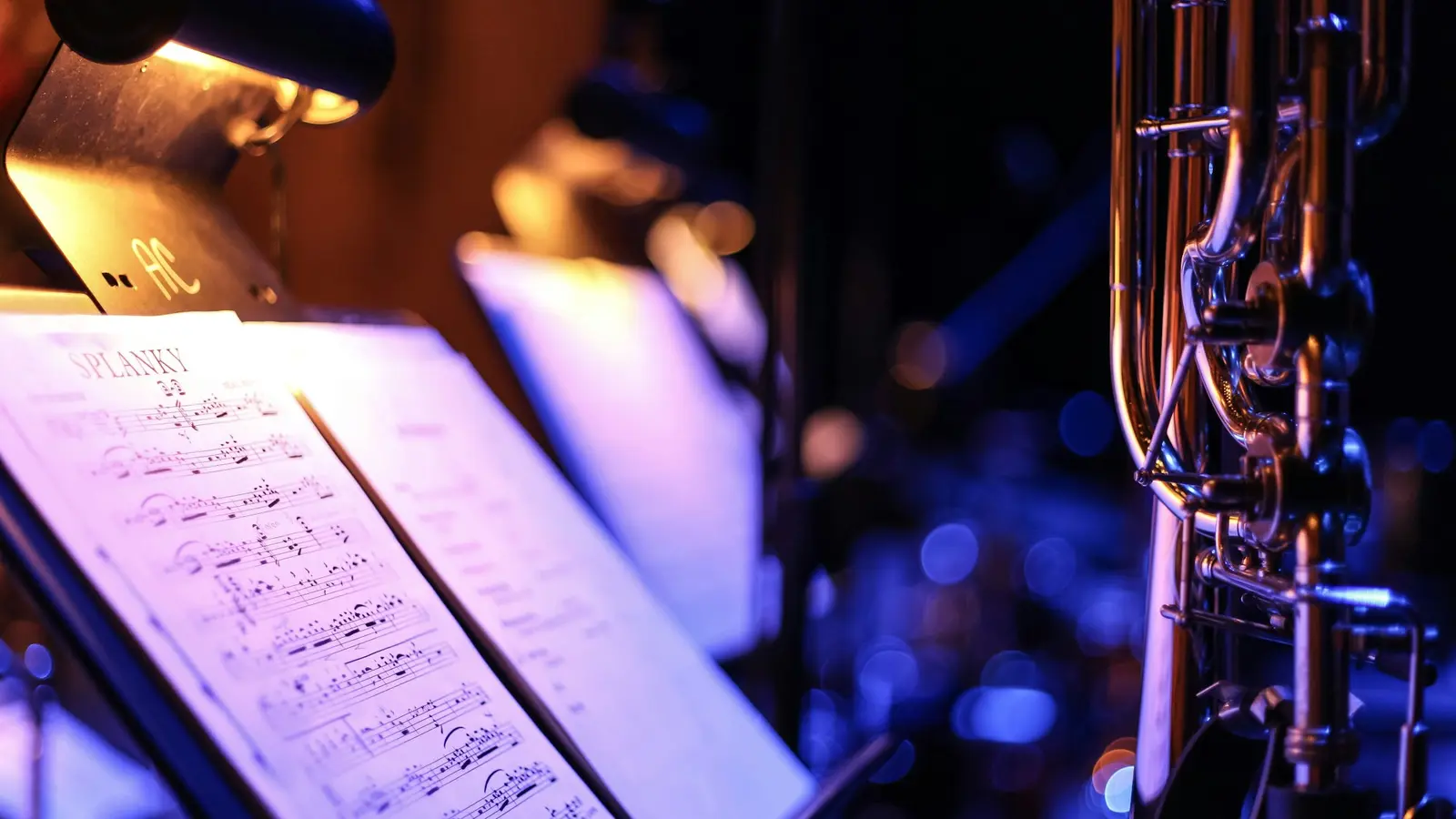
“Can someone send me the second trumpet part?” usually arrives the night before the concert, from three different people, about three different arrangements. Sharing sheet music by part fixes that, and it isn’t complicated once the library is set up the right way.
The principle: one piece, many parts, clear audiences
Every piece in your library holds several files. Each file has an audience:
- the whole ensemble: the conductor’s score, a piano reduction, a full recording;
- one section: for example all the clarinets or all the altos;
- one position: first clarinet, second clarinet, bass clarinet; soprano 1, soprano 2.
Each musician then sees exactly the files meant for their part plus the full-ensemble ones, and nothing else.
Step 1: Organise the library first
Before uploading anything, decide how pieces are found: genre folders, composer, arranger, duration and difficulty, and a marker for this season’s programme. We covered this in detail in how to organise your orchestra’s sheet music library.
Step 2: Digitise the paper parts
Many ensembles still keep parts in paper folders. You don’t need a scanner: a phone camera that detects page edges and builds a clean PDF is enough. Scan every page of a part in one go, put them in order, and apply a black-and-white filter for readability. WePlayIn.Band’s scanner, in the phone apps, does exactly this and offers to compress large scans.
Name each file clearly: “Bolero – 1st trumpet” beats scan_0043.pdf, and in WePlayIn.Band it’s the name musicians see.
Step 3: Upload one file per part
Upload the first clarinet part for the first clarinets, the second for the seconds, and so on. Resist the temptation to upload one big PDF for everyone: musicians scroll, print the wrong pages and arrive with the wrong part.
Step 4: Add rehearsal recordings
Recordings are the fastest way for players and singers to learn notes and tempo at home. Attach them to the same piece:
- a reference recording of the whole piece for everyone;
- section or voice-part tracks where you have them (very common in choirs);
- your own rehearsal, recorded on a phone, for the people who missed it.
Prefer MP3 or M4A to WAV: the files are much smaller.
Step 5: Connect the parts to the programme
The quickest path to a part is the concert programme. When the programme lists the pieces in order, each one should open its files in one tap. In WePlayIn.Band, the event’s programme shows the pieces with their start times and total duration, and musicians jump from each piece to its parts and recordings.
Step 6: Keep it current
- Replace a file when a part changes, rather than uploading a second version.
- Remove parts nobody needs any more; storage is shared across the library.
- Before a concert, ask players to open or save their parts while they have a connection. A basement venue with no signal is the wrong place to find out a file is missing.
Paper, tablets or both?
Digital distribution doesn’t force anyone onto a tablet. Many musicians open the PDF at home and print it, others read from a tablet on the stand. The point is that everyone gets the right, current part from one place. If you want synchronised page turns and shared annotations on stage, look at a dedicated score-reader app alongside your management tool.
Checklist
- Library organised by genre, with this season’s pieces marked.
- Paper parts scanned and named clearly.
- One file per part, each with the right audience.
- Recordings attached to the same pieces.
- Programme linked to the pieces.
- A habit of replacing, not duplicating.
Sheet music and recordings shared by part are included in WePlayIn.Band Professional. Request a 30-day free trial and bring one concert’s worth of parts to the setup call.
Frequently asked questions
How do you share sheet music with band members?
Upload each part once to a shared library attached to the piece, set who can see it (the whole ensemble, one section or one position) and let musicians open their own part from the concert programme. That avoids email attachments and chat messages, and every player always has the current version.
Should we upload one PDF for everyone or one per part?
One file per part. Give the first clarinets the first clarinet part and the altos the alto part. Use a full-ensemble file only for the conductor's score, a piano reduction or a recording of the whole piece.
Can we share rehearsal recordings the same way?
Yes. Treat recordings like parts: attach them to the piece and share them with the whole ensemble or with one section or voice part. Compressed formats such as MP3 or M4A keep storage under control.
WePlayIn.Band team
Written by the people behind WePlayIn.Band, the attendance and management app for bands, orchestras and choirs.