
Management
Choir Management Software: What Your Choir Actually Needs
Attendance by voice part, scores and rehearsal tracks per voice, reminders and a season plan: what to look for in choir management software, and what to skip.
Paolo
Founder of WePlayIn.Band · · 5 min read
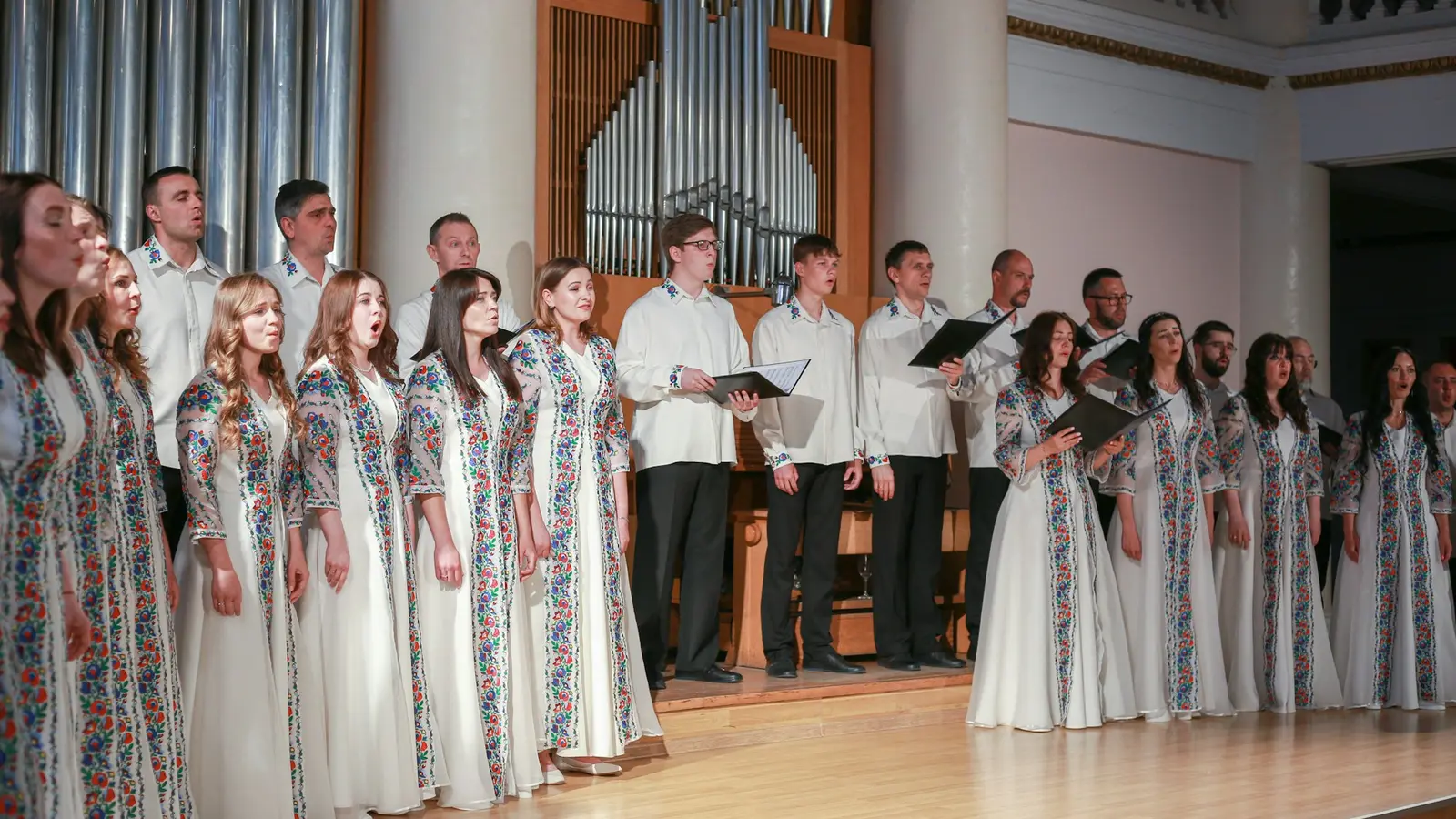
About 37 million people in Europe sing in a choir, spread across roughly a million choirs and vocal ensembles, according to the Singing Europe study published by the European Choral Association. Most of those choirs are run by volunteers, and most of them are organised the same way: a group chat, an email list, a shared folder of scores and a spreadsheet someone stopped updating in March.
Choir management software exists to replace that patchwork. This guide covers what a choir really needs from it, what is nice to have, and how to switch without losing your singers along the way.
What is choir management software?
Choir management software is an app that handles the organisation behind the music: the rehearsal and concert calendar, who is coming in each voice part, sharing scores and rehearsal tracks, messages to the whole choir or one section, and the records a committee needs, such as attendance history and expenses.
The test is simple. If your director still asks “how many tenors do we have on Saturday?” and nobody can answer without scrolling, the tools you use today aren’t doing the job.
The five things a choir needs most
1. Attendance by voice part, not just a headcount
“Thirty-two yes” tells you nothing if all four tenors are away. Good choir software counts replies per voice part and shows the gaps:
- each part as complete, partial, incomplete or empty against the number of singers you need;
- automatic reminders to anyone who hasn’t answered, so the conductor doesn’t chase people one by one;
- a freeze a few days before the concert, so last-minute changes come through you rather than silently.
In WePlayIn.Band, voice parts are set up as sections and positions. A rehearsal for sopranos and altos only can mark the other parts as not required, so the men aren’t asked about a rehearsal they don’t attend.
2. Scores and rehearsal tracks per voice
Singers learn from two things: the score and a recording. The app should let you upload both once and share them by voice part. Basses shouldn’t scroll past four soprano tracks to find theirs. Look for:
- PDFs and audio (MP3, M4A) attached to each piece;
- visibility per whole choir, per section and per voice part;
- quick access from the concert programme, so “what are we singing on Sunday?” leads straight to the right files.
3. A season calendar that sends itself
Most choirs rehearse on the same evening every week. Creating forty identical rehearsals by hand is where many choirs give up on an app. A good tool creates the whole series in one go, lets you skip school holidays, and opens each date to singers a few days ahead so nobody is asked about May in September.
4. Messages to the right people
Not every message is for everyone. Sectionals, a soloist call or a reminder to the altos to bring their folders should go to those singers only, with a push notification when it matters, and without starting yet another group chat.
5. Simple enough for every singer
A choir’s age range can run from 16 to 86. The member side of the app must be a one-tap reply and a list of files. Check that singers can use it in a web browser with email reminders if they won’t install an app, and that the interface is in their language.
Nice to have, depending on your choir
| Need | Who it’s for |
|---|---|
| Fees for professional soloists and an accompanist, with approval and “paid” status | Choirs that pay soloists, accompanists or section leaders |
| Expense claims with a photo of the receipt | Choirs that reimburse travel or music purchases |
| Income and a season cashbook (tickets, donations, grants) | Treasurers preparing accounts for the committee or a funder |
| Several groups in one account (main choir, youth choir, chamber group) | Choral societies with more than one ensemble |
| Questions per event (dinner after the concert, travel, concert dress) | Tours and festivals |
Questions to ask before you choose
- Can I see attendance per voice part? Not just a total.
- Can I share a recording with the tenors only?
- Can I create a weekly rehearsal for the whole season in one form?
- What does it cost per year, and is anything an add-on? Compare the full price for your size, not the starting price.
- Where is the data stored? For choirs in the EU, servers in the EU and a clear GDPR position matter. We wrote a separate guide on GDPR for music ensembles.
- Which languages does the app speak? In mixed-language regions this decides whether older singers use it at all.
How to switch without losing anyone
- Start with one thing. Use the app for attendance only for the first month. Keep the group chat for social conversation.
- Import the roster. Most tools accept a spreadsheet; WePlayIn.Band imports Excel or CSV files and matches the columns for you.
- Show it at a rehearsal. Five minutes at the start of a rehearsal, with a QR code to join, beats any email.
- Stop answering attendance in the chat. After two weeks, reply to “I’m coming!” messages with a link to the event.
Where WePlayIn.Band fits
WePlayIn.Band started with bands and orchestras, and choirs use the same tools: attendance by voice part, scores and rehearsal tracks shared per voice, repeating rehearsals, targeted messages and, on the Professional plan, fees, expenses, a season cashbook and several groups under one account. The app runs on iPhone, Android and the web in English, Italian, Spanish, Catalan, German and French.
Community costs €50 a year for up to 20 members; Professional costs €150 a year with everything included. Request a 30-day free trial and we’ll set up your voice parts with you.
Frequently asked questions
What is choir management software?
Choir management software is an app that handles the organisation behind a choir: the rehearsal and concert calendar, who is coming in each voice part, sharing scores and rehearsal tracks, messages to the choir or one section, and records such as attendance history and expenses. It replaces group chats, email chains and spreadsheets.
How do you track attendance in a choir?
Set up your voice parts (for example soprano 1 and 2, alto, tenor, bass) as sections and positions, then ask every singer to answer each rehearsal and concert with one tap. The app shows each voice as complete, partial or empty and reminds anyone who hasn't replied, so you know before rehearsal whether the tenors are covered.
Can singers get rehearsal tracks for their own voice only?
Yes, if the app shares files by part. In WePlayIn.Band each score, recording or cloud link is shared with the whole choir, one section or one voice part, and every singer sees only the files meant for them plus the full-choir ones, grouped under each piece.
Paolo
Software architect and trombonist in a community band. Paolo built WePlayIn.Band to replace the group chats and spreadsheets that bands, orchestras and choirs use to organise rehearsals.